Tally Customization on a Budget: TDL vs Add-Ons vs Cloud Tools
Tally customization is its own little market. Three competing philosophies, each claiming to be the cheapest, fastest or most flexible. Having shipped one of them ourselves, here is the honest comparison: when each path wins, where each one breaks, and what to pick if your goal is just to get the work done by next week.
Path A: Hand-written TDL
Tally Definition Language is the official extension layer. You write a plain text file, list it
in tally.ini, and Tally loads your customisations on startup. The same engine drives
every screen TallyPrime renders, so your hooks have full access to forms, reports, vouchers and
collections.
When this wins: deeply company-specific reports, custom voucher classes nobody else needs, screens that talk to internal databases. If you employ an in-house TallyPrime developer or have a long-term relationship with a Tally Partner, TDL is unbeatable. The code lives with you, no recurring license fee, no SaaS dependency.
Where it breaks: the ramp is steep. The TDL Reference Manual is dense. The error messages are cryptic ("T0008: could not find default TDL definition"). Modern protocols — HTTP with TLS, OAuth, WebSocket, anything async — are not really TDL's strong suit, which is why WhatsApp integrations almost always pair TDL with a small COM bridge. We walked through that pattern in the Tally TDL tutorial.
Path B: Packaged add-ons
Someone else has already written and debugged the TDL. You install an MSI, the files land in
Tally's TDL folder, your tally.ini gets patched, and the new feature appears.
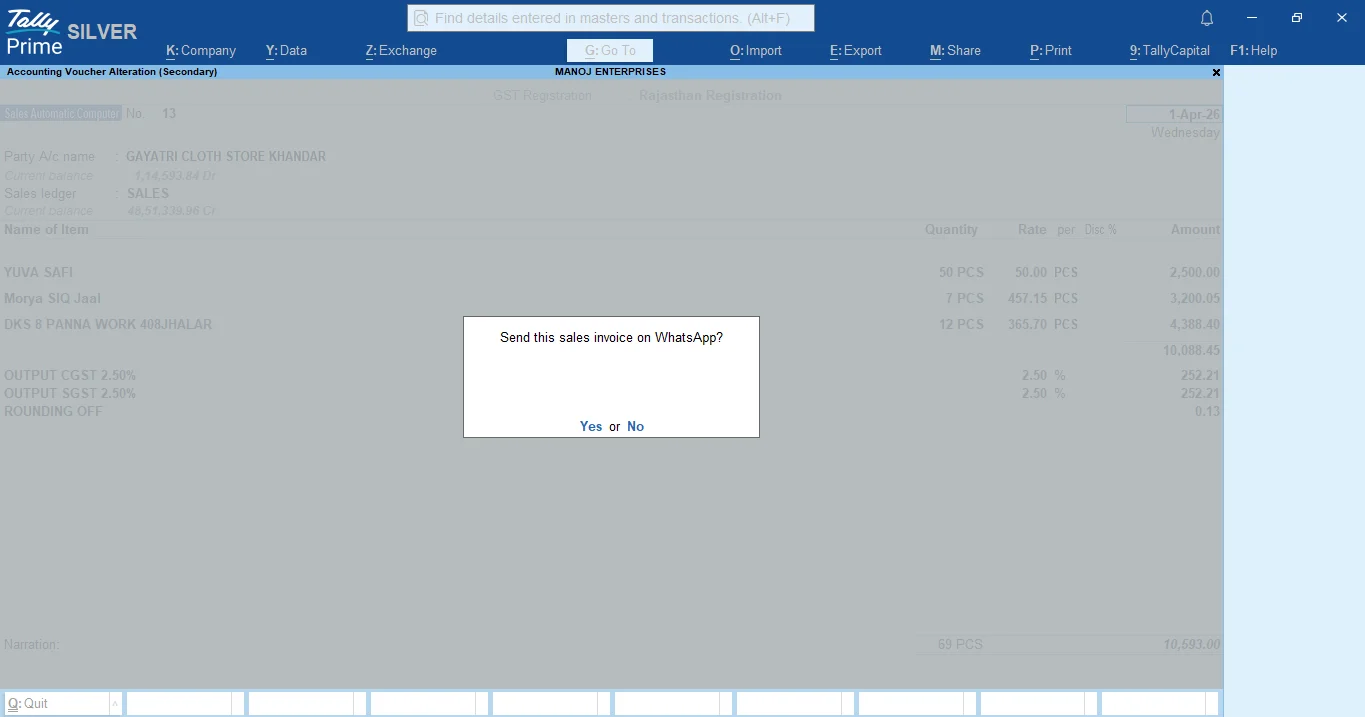
TallyWhatsApp is a worked example: ₹999
one-time, one device activation, ships sales/receipt/ledger Send-WhatsApp buttons. Other vendors do
barcode printing, custom invoice templates, payment gateway integrations.
When this wins: the feature is generic enough that you don't need bespoke logic. WhatsApp delivery, e-invoicing, payment links, expense tracking. If a packaged add-on already solves the problem at a price under what one developer-day costs, you have your answer.
Where it breaks: if your business has unusual rules ("we want the WhatsApp caption in Marathi for some customers, Hindi for others, based on the ledger group"), most off-the-shelf add-ons won't bend that far. You either pick a vendor who exposes configuration, or fall back to Path A.
Path C: Cloud tools
Tools like Zoho, RazorpayX, or Zapier-style connectors that pull TallyPrime data via the ODBC or HTTP-XML interfaces and re-emit it from their own infrastructure. The integration sits on the vendor's servers; your TallyPrime PC just exposes data.
When this wins: multi-app workflows. If a sale in Tally must trigger a row in Google Sheets, a payment link from Razorpay, a Slack ping and a WhatsApp message, a cloud orchestrator earns its keep. The recurring cost (₹500–₹3,000/mo) buys you a webhook-based glue layer you'd otherwise build yourself.
Where it breaks: data residency. Cloud tools require you to expose TallyPrime data to their infrastructure. For an SMB whose customer list is the business, that's a meaningful concession. The monthly fee also compounds — at ₹2,000/mo you've spent ₹24,000 in a year for what a one-time add-on does locally.
How to actually pick
Two questions decide it for most TallyPrime users:
- Is the feature generic, or business-specific? Generic = Path B. Specific = Path A.
- Does it need to talk to other cloud apps? Yes = Path C is worth the recurring fee. No = stay local.
For the single most-asked TallyPrime extension — Tally ERP WhatsApp integration and TallyPrime invoice delivery — Path B wins on every axis: cheapest one-time, fastest install, data stays on the seller's PC, no monthly bill. That's why we built TallyWhatsApp the way we did.
The hybrid answer
Real shops mix paths. A typical TallyPrime SMB ends up with a packaged add-on for WhatsApp invoicing (Path B), a small in-house TDL hook for the one custom report the boss insists on (Path A), and a cloud connector for the GSTN filing flow (Path C). That's not a failure of strategy — it's the strategy. Use the cheapest tool that solves the specific problem, and don't pay subscription fees for things that don't need them.
The Path B answer, in 30 seconds
TallyWhatsApp installs in under a minute, ships sales / receipt / ledger Send-WhatsApp buttons, and runs entirely on your PC. ₹999 lifetime.
Buy lifetime · ₹999 tallywhatsapp.variantstudio.in